What VIROO Cloud gives you access to
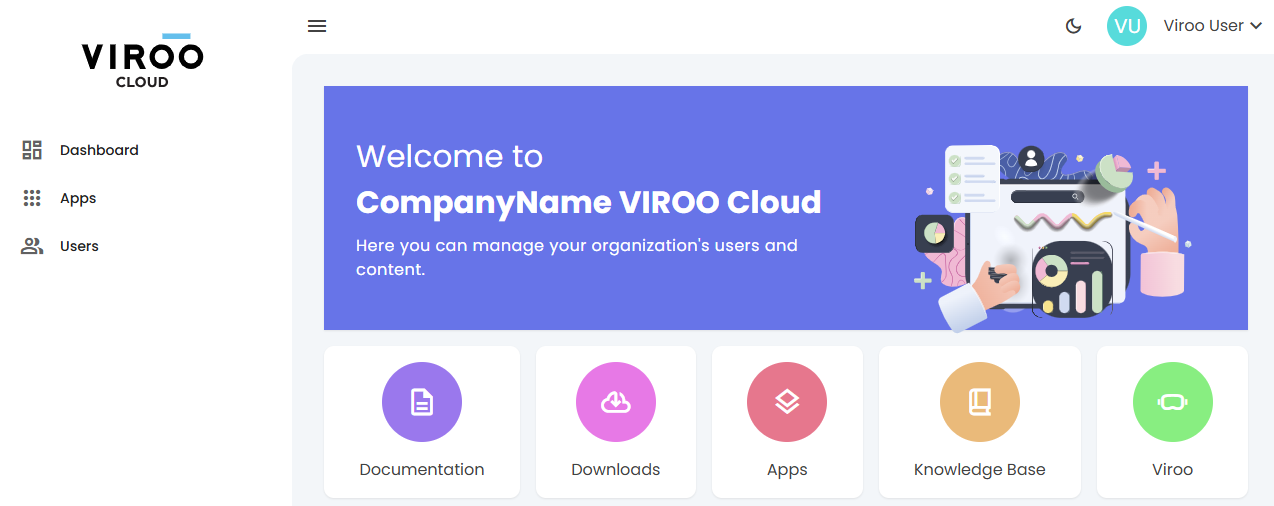
Left panel
- Dashboard: In the Dashboard, you can find relevant news and useful links.
- Apps: The Apps link will take you to the content management portal.
- Users: In the Users section, if you have the User Manager role, you will be able to manage the users in your organization. Go to User Management to learn more.
Direct links
Documentation
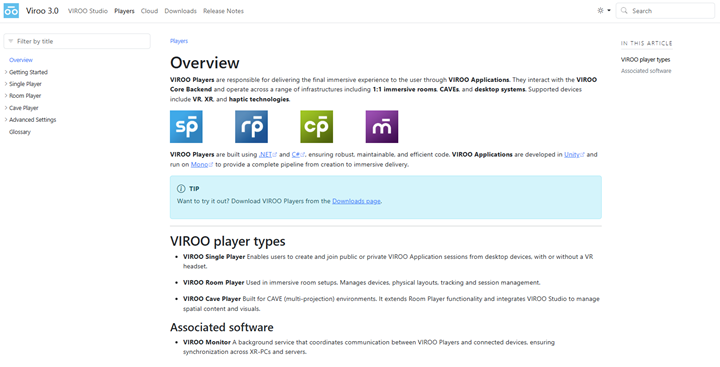
Visit Documentation to find:
- VIROO Studio guides and tutorials
- Room Player and Single player configuration instructions
- Release notes and version history
- Installers and support files
Downloads
Visit Downloads for:
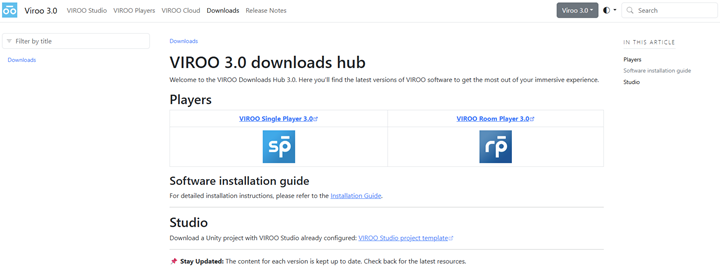
This page leads directly to a curated list of downloadable assets, including:
VIROO Product Installers VIROO Players are desktop applications (currently only compatible with Windows) designed to run XR content (apps) created with VIROO Studio.
VIROO Studio Templates for faster content prototyping. VIROO Studio enables you to compile XR content (apps) for VIROO Players using Unity as the graphics engine. Compatible with both Windows and macOS.
Apps
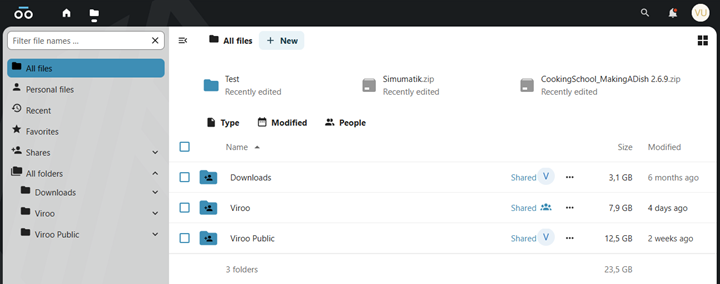
Use this section to:
- Upload new app versions
- Remove outdated versions
- Organize apps by project or deployment
This is especially useful for creators and admins.
Knowledge base
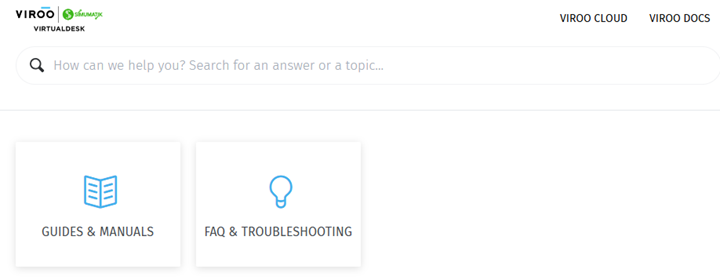
Redirects to VIROO's Knowledge Base. It serves as the product support portal for Virtualware’s VIROO platform, offering:
- Guides & Manuals (for Viroo current Apps and Viroo Legacy Players)
- FAQ & Troubleshooting
- Multi-language Support
VIROO site
The VIROO button links to VIROO's webpage, where you can explore:
- Use cases and features
- Customer stories and updates
- Contact details for business inquiries
Each section of VIROO Cloud is designed to support your XR workflows efficiently. For guidance, visit the documentation or support pages.