Unity Event Actions
These Actions synchronize logic between all session participants.
Other Actions add interactivity to your VIROO Application, such as moving elements, playing audio and video, displaying action menus, etc. For other interactions, where you need to call your own code, third party or Unity's own logic that's not covered by other actions, you can use UnityEventActions. With these Actions you call your own callbacks with UnityEvents.
Callbacks can be invoked with two actions: UnityEventAction and UnityEventNonBroadcastAction.
You can invoke these actions from an Interaction or from your own code.
UnityEventAction
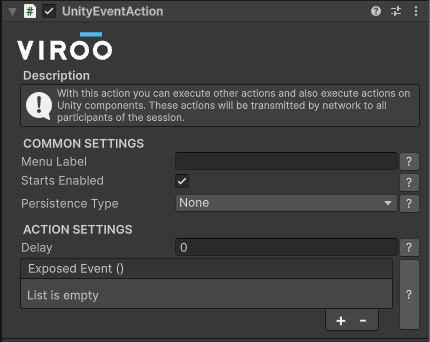
This Action invokes a callback (from Unity components or your own components) on all users in the session. The callback is executed synchronously among all users in your VIROO Application.
| UnityEventAction Settings | |
|---|---|
| Field | Description |
| Delay | Waiting time after the Action is called and the movement is started. |
| Exposed Event | UnityEvent that will be invoked on all users when this Action is executed. |
UnityEventNonBroadcastAction
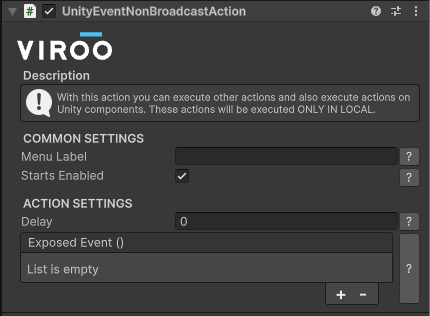
This Action invokes a callback (from Unity components or your own components) only on the user that executes this Action.
| UnityEventNonBroadcastAction Settings | |
|---|---|
| Field | Description |
| Delay | Waiting time after the Action is called and the movement is started. |
| Exposed Event | The Action to be called only for the user who invokes this Action. |