Dashboard
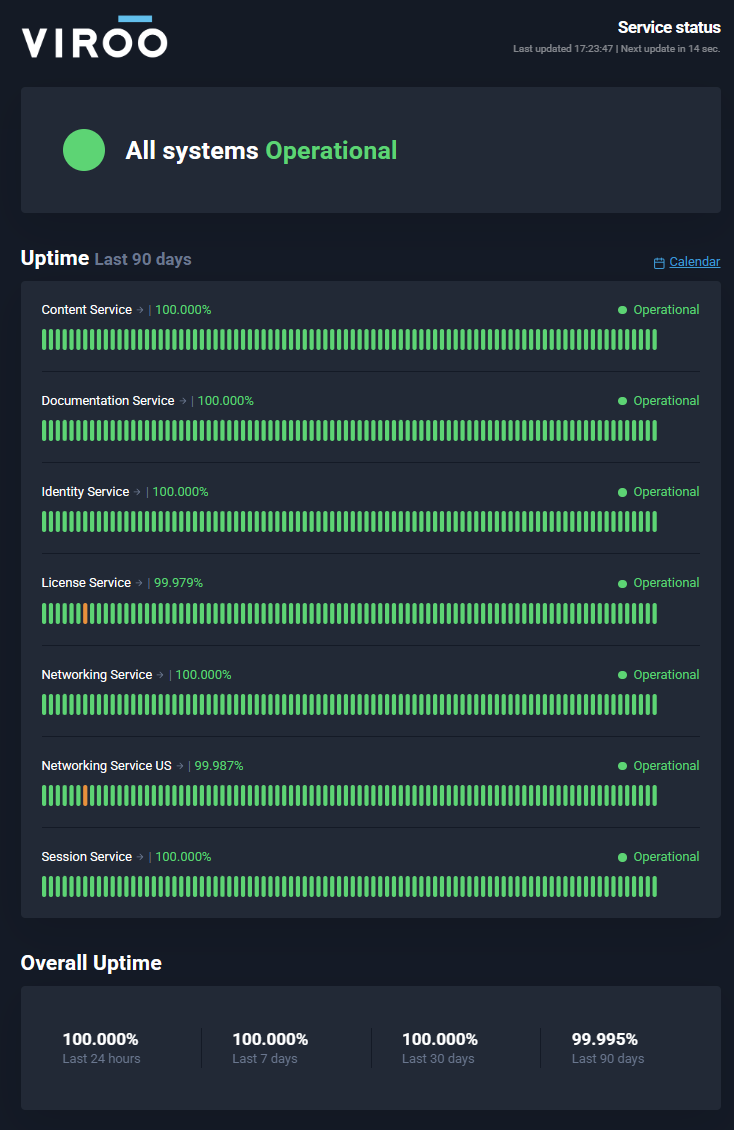
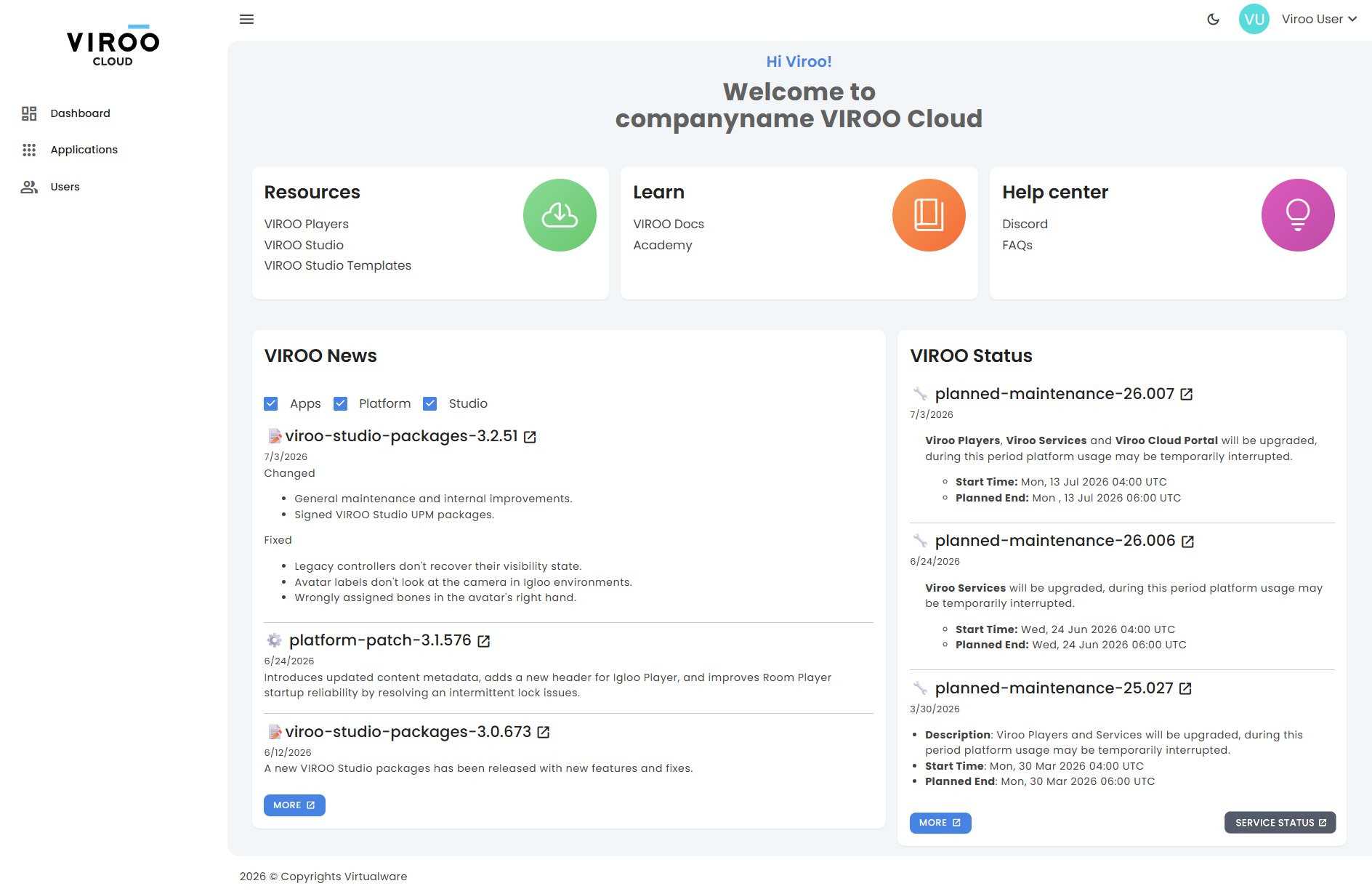
The Dashboard provides an overview of your VIROO environment and quick access to frequently used resources.
Quick access cards
The Dashboard includes direct access to the most relevant VIROO resources.
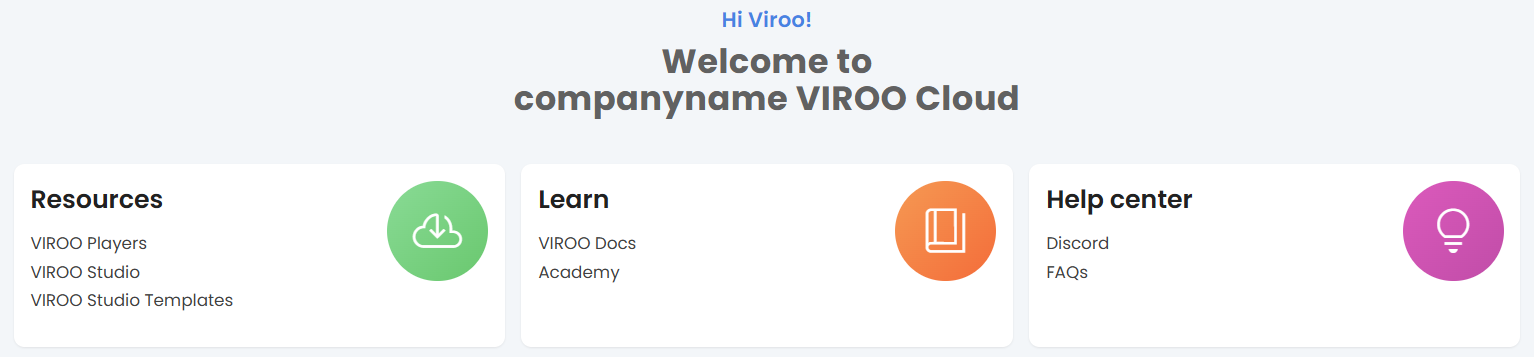
Resources
Provides direct access to downloadable assets, including:
- VIROO Players for running XR applications.
- VIROO Studio installers.
- VIROO Studio Templates for accelerating development and content creation.
Learn
Provides access to learning resources:
- VIROO Docs: Cloud, Players and Studio documentation.
- Academy: Learn about VIROO at your own peace.
Help center
Provides access to:
- Discord community: Connect with the VIROO community and get support.
- FAQs: Find answers to frequently asked questions.
These resources help users learn VIROO workflows, development practices, and platform capabilities.
VIROO news
The VIROO News section displays the latest product updates and announcements. You can filter content by Apps, Platform, and Studio.
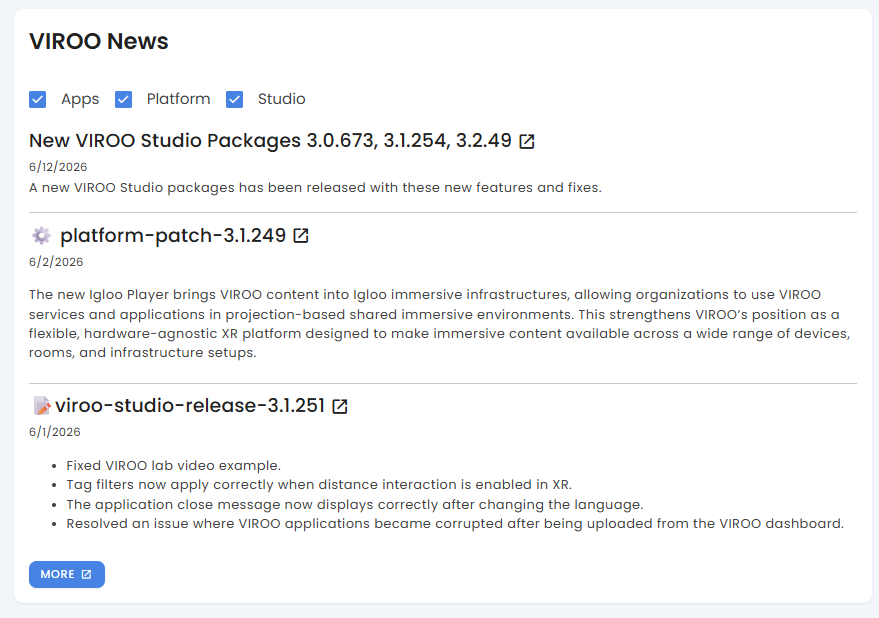
News entries may include:
- New releases
- Product updates
- Bug fixes
- Platform improvements
Use the More button to access the complete list of news.
VIROO status
The VIROO Status section provides information about scheduled maintenance activities.
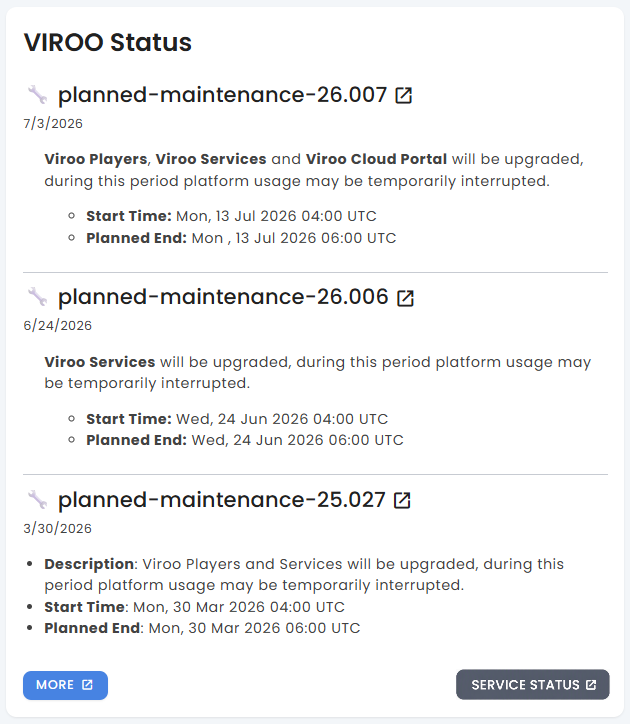
Each status item includes:
- Description
- Start time
- Planned end time
Use the More button to view all status notifications.