Viroo Visual Scripting integration example
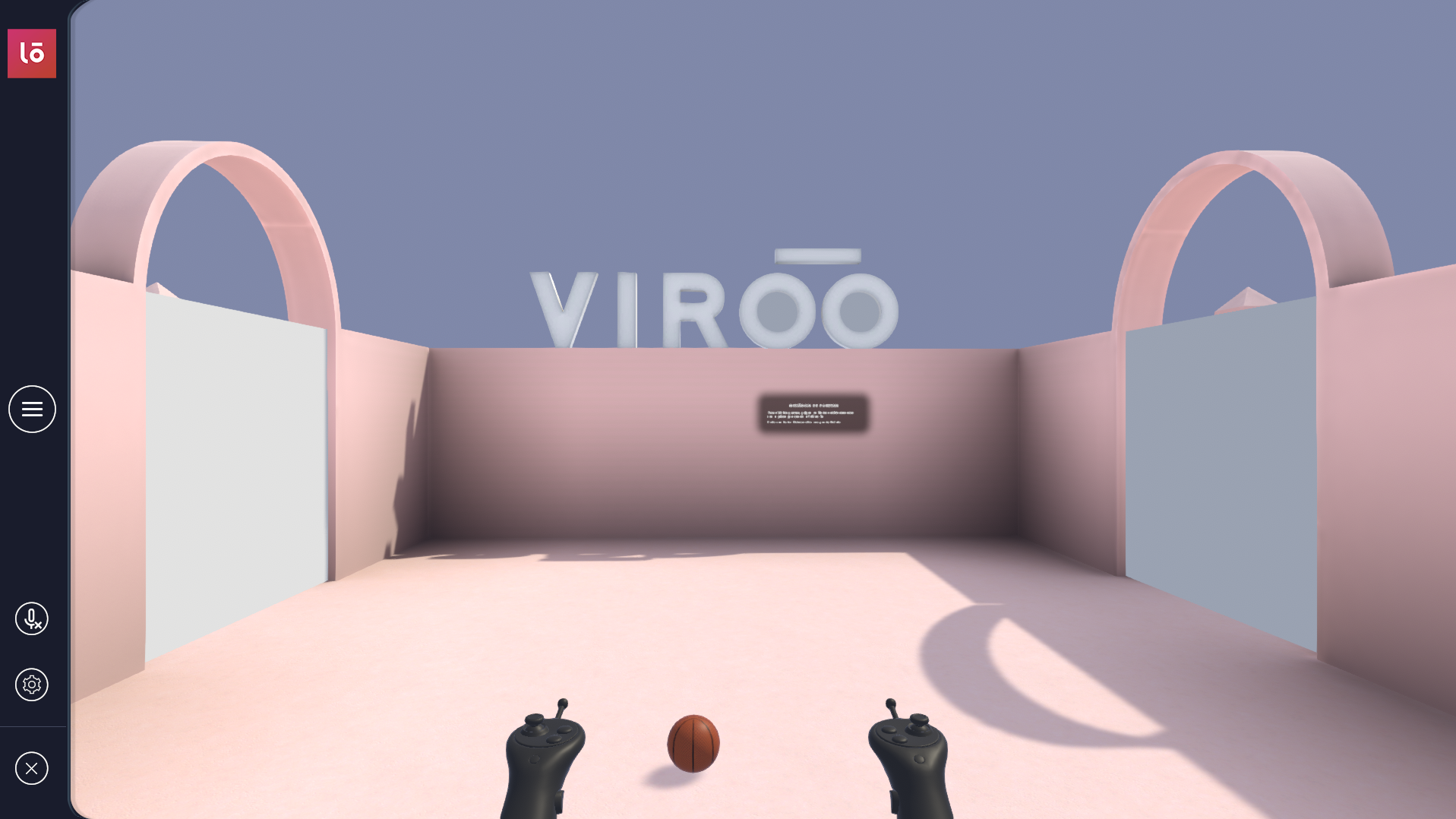
The VIROO Studio Visual Scripting package contains an example that will teach you how to access VIROO functionality from Unity's Visual Scripting framework to create multi-user experiences.
It shows you how to use functionality provided by VIROO from a Visual Scripting context:
- VIROO ready event
- VIROO Network Variables
- Player connection and disconnection events
- Network connection and disconnection events
- Creating custom units that can access VIROO services
- Integration between Script machines and custom VIROO Actions
You'll also see how to prepare your Script machines to work over a network, synchronizing the logic for all users who are part of the session.
Getting Viroo Visual Scripting example
Follow this steps to get Viroo Visual Scripting integration:
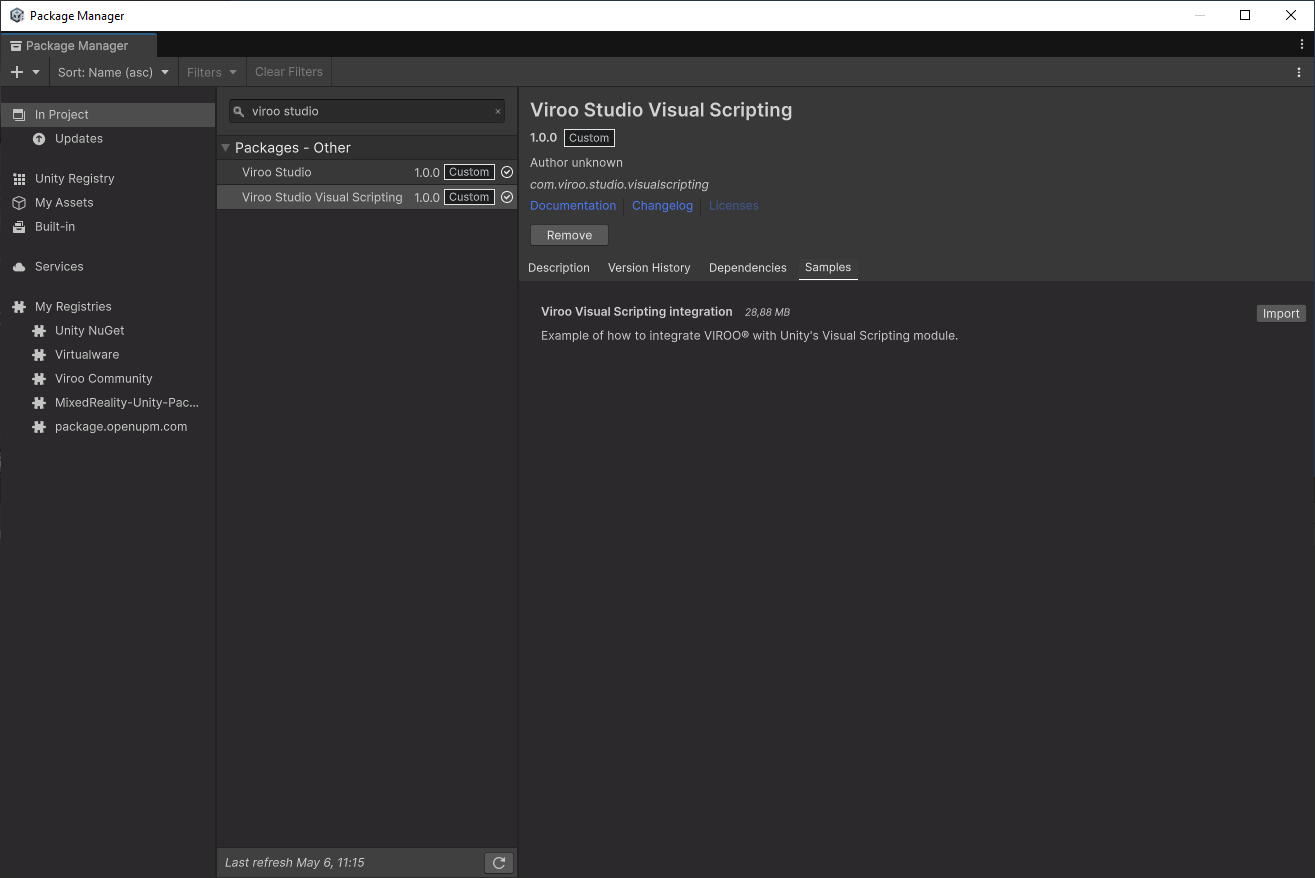
- Open Package Manager:
Window -> Package Manager. - Find
Viroo Studio Visual Scriptingpackage. - Open
Samplestab and clickImportonViroo Visual Scripting integration.
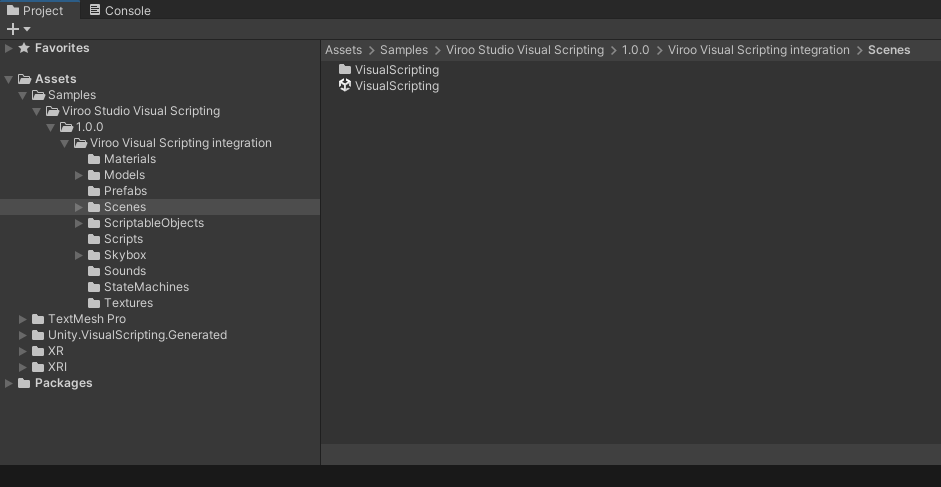
This will add the VIROO Visual Scripting scene to your project, in the Assets/Samples/Viroo Studio Visual Scripting folder.
Testing Viroo Visual Scripting example
Open the scene named Visual Scripting and enter Play mode to test the interactions it provides.