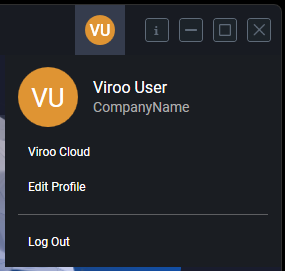
Login process
When launching a VIROO Player, an embedded web browser will open with the login window, prompting the user to enter their VIROO credentials.
The login screen includes standard features such as Remember Me, Forgot Password, and links to Support resources.
Also note that you can choose the login process language from the upper right corner of the credentials window.

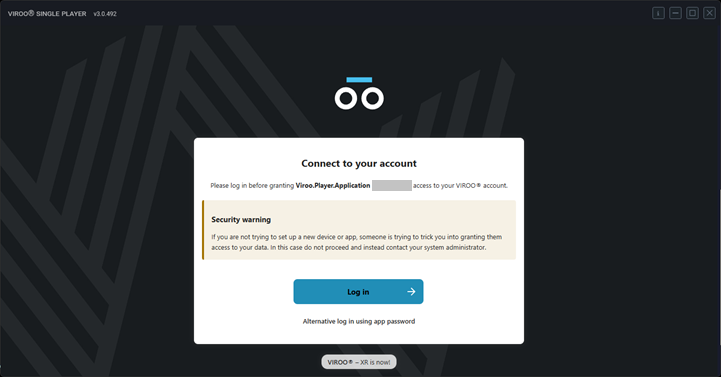
During the first login, the Identity service will request authorization to link the Player with VIROO’s backend services:
A second login will be required to complete the authorization process during this initial access:
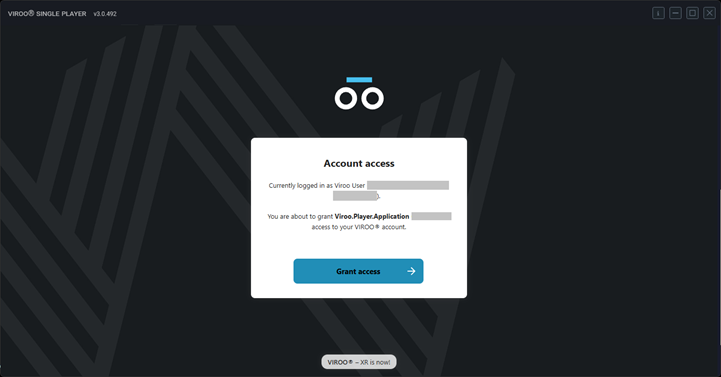
After granting access, the VIROO Player will be ready for use:
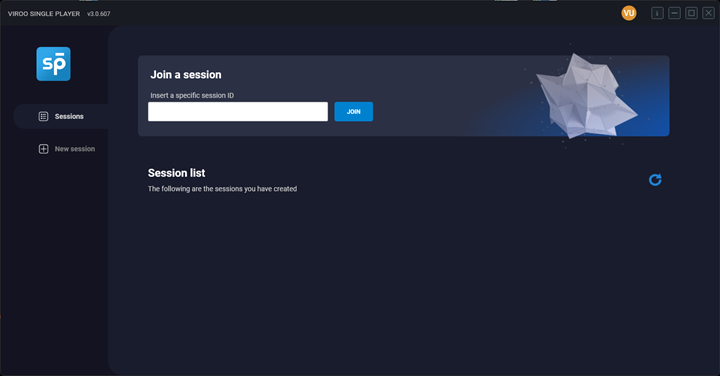 Example of VIROO Single Player after login
Logout process
To log out, click the initials icon at the upper-right corner and select Log Out. This action clears stored credentials and will require a new login the next time a VIROO Player is launched.